


Every new construction platform looks polished in a sales demo. The dashboard is clean. The workflow seems simple. The presenter clicks through features that promise faster reporting, fewer mistakes, and better visibility across the business. Then a superintendent tries to use it on a crowded Philadelphia jobsite in January, or a foreman opens it in a steel-framed shell with weak service, and the real test begins.
That gap between the demo and the day-to-day job is where contractor technology adoption often succeeds or fails. Construction technology can absolutely improve coordination, documentation, and decision-making. But the value does not come from the feature list. It comes from whether the tool still works when schedules are tight, conditions are messy, crews are busy, and the field needs answers now.
Construction Executive recently highlighted six areas contractors should stress-test before investing in construction technology: interruption risk, usability, real-world performance, vendor support, data movement and security, and total cost of ownership. For Eastern Pennsylvania contractors, that is the right lens. A disciplined review process helps you judge whether a tool will hold up on actual projects across Philadelphia, the collar counties, the Lehigh Valley, and Northeast Pennsylvania.
This guide turns that idea into a practical framework for adopting contractor technology. Use it before signing a contract, launching a pilot, or pushing a new platform into the field. The goal is simple: make better technology decisions based on jobsite reality, not demo-day optimism.
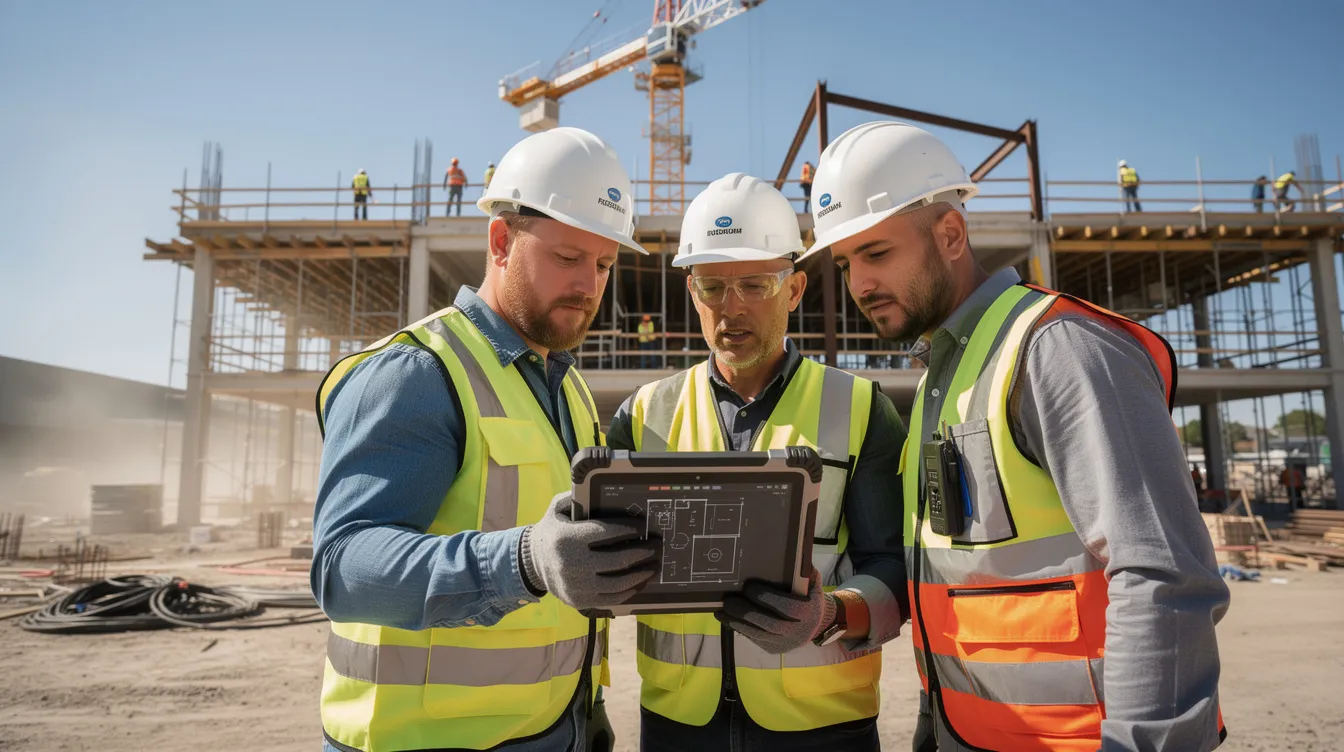
Not every digital tool carries the same level of operational risk. If a marketing dashboard fails, you may lose visibility for a few hours. If your timekeeping system, safety documentation platform, or field reporting app fails at the wrong moment, the impact is much more serious.
Start by classifying the tool you are evaluating. Is it mission-critical to payroll, safety, inspections, daily reporting, or project coordination? Or is it useful but nonessential?
Then walk through the consequences of an outage:
A useful internal exercise is to simulate a half-day outage on a recent project. If the team cannot explain how work would continue, the platform deserves much closer scrutiny before rollout.
Office leaders often buy many construction tools, but field users judge them every day. If a superintendent, foreman, or craft professional finds the system clumsy, slow, or distracting, usage will drop no matter how strong the software looked in the conference room.
That is why contractor technology adoption should always include a field-usability test, not just an administrative review.
During a pilot, evaluate questions such as:
Include real users in the evaluation. That may mean a superintendent on a Philadelphia renovation, a foreman on a Lehigh Valley warehouse site, and a field leader on an infrastructure or industrial project in Northeast Pennsylvania. The point is not to gather opinions in the abstract. The point is to see whether the tool helps the people who will actually depend on it.
One of the easiest ways to lose field buy-in is to create a data-entry burden with no obvious payoff. If the software slows down reporting without improving decisions, crews will find workarounds fast.
A platform that runs smoothly on office Wi-Fi may behave very differently on a real project. Signal issues, dust, glare, winter temperatures, device limitations, and constant movement all change how technology performs once it leaves the demo environment.
For that reason, a real-world field pilot should happen on an active job, not only in a training room.
This matters across ABC Eastern Pennsylvania’s territory. Dense urban sites in Philadelphia create one kind of challenge. Large-footprint logistics and industrial work along the I-78 corridor create another. Rural or spread-out projects in Northeast Pennsylvania may put even more pressure on connectivity, device durability, and offline access.
If the tool only performs well under controlled conditions, it is not ready for broad adoption.
Technology adoption is not finished when the contract is signed. In many cases, that is when the real risk starts. A strong platform with weak implementation and poor support can stall just as quickly as a weak platform with good marketing.
Before you commit, clarify exactly what support looks like after purchase:
You should also test support during the evaluation period. Submit a question. Call the help line. See how long it takes to get a useful answer. Vendors often talk about partnership before the sale; the pilot is your chance to see whether that promise holds up in practice.
Ongoing adoption usually requires more than one kickoff session. New hires need training. Supervisors need refreshers. Internal champions need usable answers when field questions come in. If the vendor cannot support that reality, your team will end up carrying more of the rollout burden than expected.
Construction technology only creates lasting value when information can move where it needs to go. If field reports live in one system, payroll lives in another, and project teams still re-enter information by hand, the software may create as much friction as it removes.
Ask integration questions early and in concrete terms:
This is also where contractor technology adoption overlaps with software risk management. A tool that creates data silos, weak access controls, or unclear ownership terms can produce long-term problems even if users like the interface.
For Eastern Pennsylvania contractors handling public work, prevailing-wage documentation, or sensitive owner information, those questions matter even more. Clean data flow is not just about convenience. It affects reporting reliability, audit readiness, and your teams’ confidence in the numbers they rely on.
The purchase price is only one part of the decision. The real cost of a construction platform shows up over time through setup effort, training, hardware needs, workflow disruption, integrations, and internal administration.
That is why contractor technology adoption should be evaluated as a multi-year operating decision, not a line-item software purchase.
Build out the full cost picture:
It also helps to compare a broad rollout with a smaller pilot. In some cases, the smarter move is to prove value on one workflow or one project before scaling across the company.
Some platforms deliver strong returns when they reduce duplication, tighten documentation, or speed up field-to-office communication. Others never recover their true cost because implementation drags, adoption stays uneven, or integrations remain incomplete. This test forces honest math before momentum and vendor pressure take over.
The strongest technology decisions usually come from a repeatable review process, not from a one-time product pitch. Whether you are evaluating scheduling software, field reporting tools, reality capture, safety platforms, or AI-assisted workflows, the same discipline should apply.
A practical evaluation process includes:
This approach keeps the decision anchored to evidence. It also helps separate tools that are merely interesting from tools that are ready to support real operations.
Construction Executive framed stress-testing as a way to evaluate technology before contractors commit too quickly. That is especially useful in a market where new platforms are marketed aggressively, and internal teams are under pressure to move faster. A structured process creates room for better judgment.
The six tests stay the same, but their weight can change depending on what and where you build.
That regional lens does not change the framework. It simply helps you weight the questions according to the jobs your teams actually perform.
The biggest mistake in contractor technology adoption is assuming the demo is the proof. It is not. Proof comes when the tool works under actual field conditions, supports your people, and earns its place inside the business.
If your company is evaluating a new platform, start here:
ABC Eastern Pennsylvania members looking for broader industry context can follow construction news and trends from ABC Eastern Pennsylvania for ongoing coverage of technology, risk, and operations issues affecting the region. Contractors reviewing field-facing systems should also keep safety resources in the conversation, especially when a new tool affects inspections, reporting, or workforce coordination on active jobsites. Firms that want to stay connected to peers, training, and chapter resources can also learn more through ABC Eastern Pennsylvania membership.
The framework is straightforward: stress-test every tool before you trust it. If a platform cannot handle downtime risk, field reality, support demands, data flow, and long-term cost, it is not ready for your jobsites no matter how impressive the demo looked.


