


Autonomous construction technology is no longer just a trade show talking point. AI-assisted equipment, construction robots, drones, layout tools, and automated reporting platforms are moving from demos into real project planning conversations. For merit shop contractors across Eastern Pennsylvania, the practical question is not whether automation exists. It is where automation can help, where it should stop, and who inside the company should have final authority.
That question matters across very different job conditions. A large-footprint warehouse project in the Lehigh Valley may offer repeatable conditions for guided equipment or robotic layout. A dense renovation in Philadelphia may benefit more from digital documentation, remote inspection support, or controlled material-tracking workflows. An infrastructure or utility project in Northeast Pennsylvania may see more value in keeping workers out of confined, remote, or high-risk areas when technology can handle the first pass.
Construction Executive recently argued for a core rule that should shape every automation decision: automation should help people make better decisions, not make decisions for them. Human judgment should remain in the workflow, especially when safety, quality acceptance, schedule risk, or contract obligations are involved.
This guide gives Eastern Pennsylvania contractors a practical framework for evaluating autonomous construction technology by focusing early on where automation should stop and who decides, without turning governance into a bottleneck.
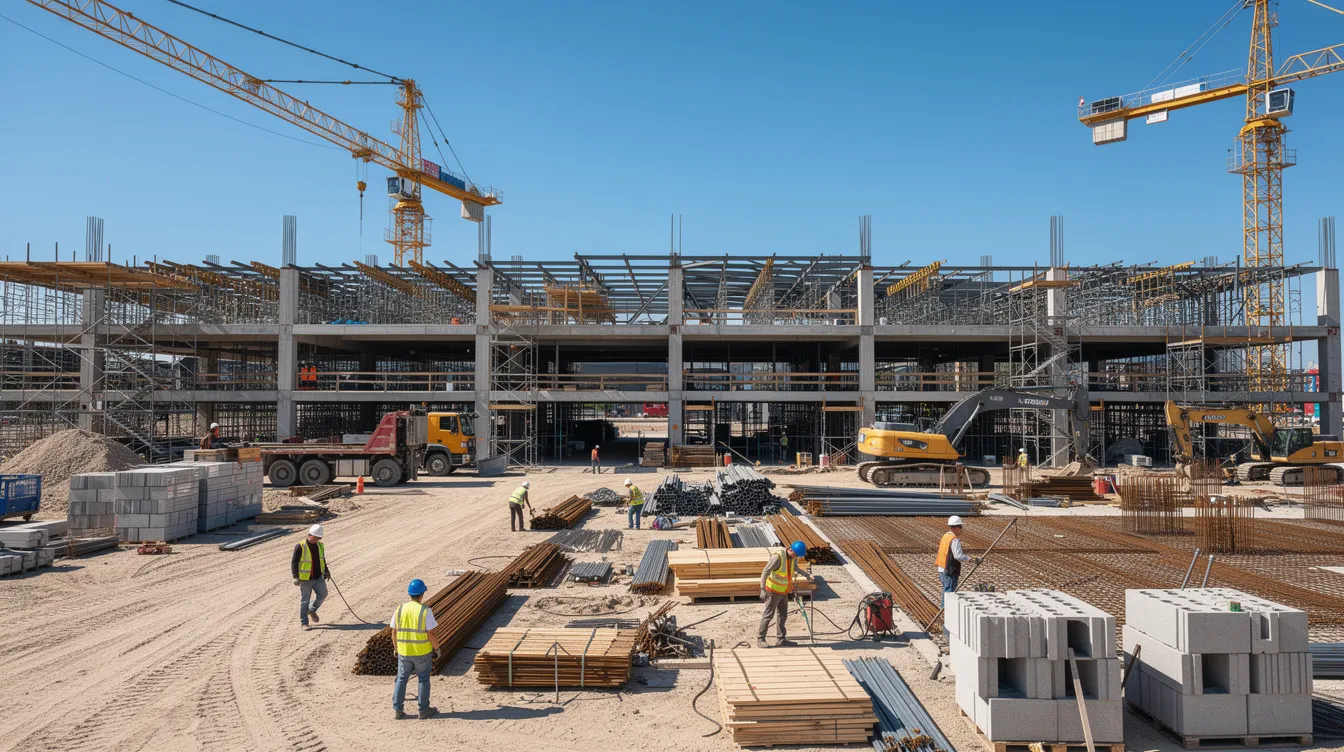
In practice, autonomous construction technology covers a wide range of tools with different levels of independence. Most construction systems today are not fully self-governing machines. They are task-specific tools that still depend on human setup, calibration, monitoring, and exception handling.
Common examples include:
The important distinction is that most of these tools support execution inside a defined scope. They do not remove the need for a superintendent, project manager, estimator, safety leader, or executive to decide what should happen when conditions change.
Automation tends to perform best where work is repetitive, conditions are measurable, and outputs are easy to verify. That is why contractors often see the strongest early returns in narrow use cases rather than broad companywide transformation.
Field uses that are often good candidates for automation:
Office and coordination uses that are often good candidates:
These are strong starting points because they usually involve measurement, pattern recognition, or repeatable movement. They depend far less on judgment about contract intent, field nuance, or unusual site behavior.
The safest boundary is simple: if the decision could materially affect worker safety, contract value, legal exposure, quality acceptance, or owner relations, automation should not be the final decision-maker.
That does not mean automated systems have no role. They can surface information, flag anomalies, model options, or recommend next steps. But a qualified person should own the final call.
Keep final authority with a named human decision-maker for:
This boundary matters because construction sites are inconsistent by nature. In related coverage, Construction Executive argued that total reliance on video-based AI for jobsite safety is impractical on active construction sites because changing conditions and alert volume still require human response and oversight.
One of the fastest ways to create risk is to let automation decisions live with only one enthusiastic tech user or one skeptical executive. Governance works better when responsibility is shared across the people who understand operations, safety, field conditions, and business exposure.
Executive leadership should set the company’s risk tolerance and define which decision categories always require human sign-off.
Operations leaders and project executives should decide where tools fit into estimating, scheduling, field execution, and reporting workflows.
Safety professionals should define guardrails for any technology that affects hazard recognition, worker monitoring, equipment interaction, or stop-work decisions.
IT or technology leads should review integration, data handling, cybersecurity, support needs, and vendor dependability.
Field supervisors and foremen should confirm whether the technology actually fits site conditions, production flow, and crew behavior.
For ABC Eastern Pennsylvania members, that kind of cross-functional review fits the chapter’s broader emphasis on safety, workforce development, advocacy, and business support across Philadelphia, the collar counties, the Lehigh Valley, and Northeast Pennsylvania.
One practical way to keep automation decisions consistent is to classify tools and workflows into three tiers.
These tasks have predictable conditions, straightforward verification, and manageable consequences of error.
These are workflows where software or equipment can improve speed or visibility, but judgment still matters.
These are decisions where accountability cannot be delegated to a machine or model.
The same tool may fall into different tiers depending on the project. A process that makes sense on a wide-open logistics site may not belong on a congested hospital addition or occupied renovation.
Before expanding automation across the company, build clear internal rules around what each tool can and cannot do. A short approval matrix is often more useful than a long policy manual no one reads.
Your matrix should identify:
That creates a cleaner line of responsibility and helps reduce automation bias, where teams trust the output because it looks precise rather than because it has been properly checked.
Human oversight is not a rubber stamp. If someone is supposed to review an automated recommendation, they need enough authority, time, and context to challenge it.
Before approving an automated output, the reviewer should confirm:
That review process matters because even strong tools can miss context. A clean digital recommendation can still be wrong if it was built on incomplete site information, stale plans, or assumptions that no longer match the work.
Contractors do not need a companywide rollout to start learning. In most cases, the better move is a narrow pilot tied to one repeatable problem.
A practical pilot process looks like this:
This approach works well for Eastern Pennsylvania contractors because the region includes three distinct operating environments. A useful pilot in suburban Philadelphia may not be the right first test for a Lehigh Valley industrial project or a Northeast Pennsylvania infrastructure scope.
Technology decisions should reflect actual site conditions, not vendor enthusiasm.
Philadelphia and the collar counties often present tighter logistics, occupied spaces, and denser trade overlap. That can make documentation, remote inspection support, and controlled digital workflows more practical than aggressive field autonomy.
The Lehigh Valley often offers larger industrial and logistics sites where repeatable layout, guided equipment support, and broad-area documentation may be easier to test.
Northeast Pennsylvania may offer stronger use cases tied to infrastructure, utility, transportation, and dispersed work areas where remote review or reduced worker exposure creates the clearest value.
The right question is not, “What is the most advanced tool available?” It is, “What task on this type of project becomes safer, clearer, or more reliable with controlled automation?”
Even when a tool performs well, accountability does not transfer to the software vendor or the machine. Your company still owns the contract result, the safety program, the quality outcome, and the documentation trail.
That is why any larger automation rollout should be reviewed alongside existing safety procedures, insurance considerations, contract language, and internal risk policies. This is an operational planning issue, not just a technology purchase. Contractors should treat legal, insurance, and regulatory questions as review points for appropriate internal leaders or advisors, especially when a tool affects personnel decisions, equipment operation, or compliance-sensitive work.
If your company wants a disciplined starting point, use a simple 90-day process.
Days 1-30: Inventory and classify
Days 31-60: Build guardrails
Days 61-90: Pilot and document
At the end of that process, your company should have something more valuable than a stack of demos: a written position on where automation is encouraged, where it requires approval, and where it stops.
The firms that benefit most from autonomous construction technology will not be the ones that hand over the most authority. They will be the ones that use technology to improve visibility, consistency, and execution while keeping accountability where it belongs: with qualified people.


